SekoTV creation guides
Your next story
starts here.
From one idea to a sequence of shots.
Find your next step, then bring it into your project.
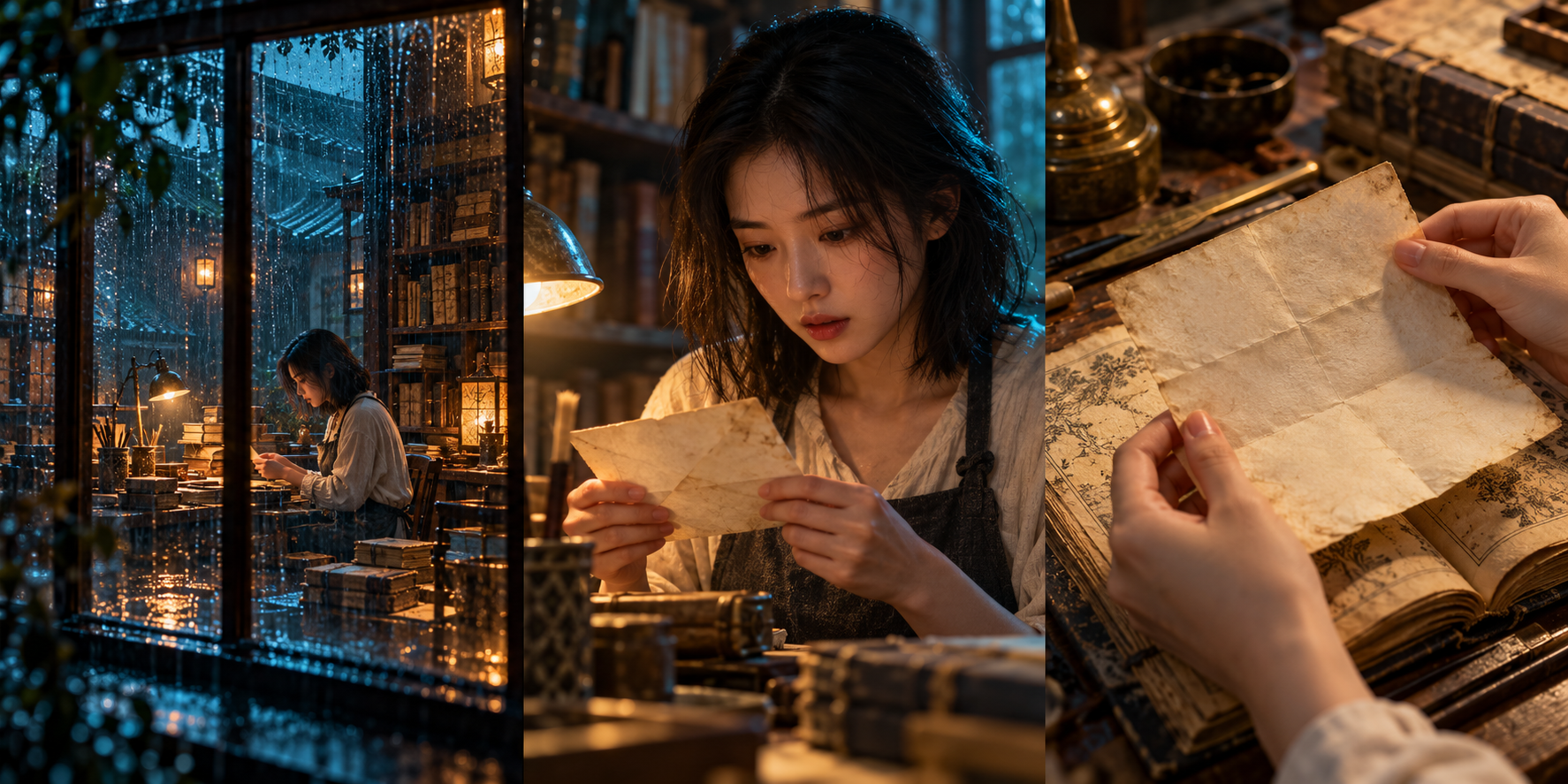
Take a story
through its first draft.
Follow a simple story to prepare a script, subjects and storyboards. Review images, sound and continuity before moving on.
Where would you like to begin?
Start with the step your project needs.
01 / Story and workflow
Create an AI short drama from a story idea
Organize your story, characters and storyboards in SekoTV Drama Studio. Review images, video and voice in stages, starting with one clear story idea.
02 / Script and storyboards
Turn a script into generation-ready storyboards
Prepare shot actions, dialogue and subjects in SekoTV. Import a TXT or DOCX file, review how it is split, and test important shots before continuing.
03 / Characters and references
Manage recurring characters with subject references
Organize character, scene and prop references in SekoTV, associate them with storyboards, and review consecutive shots to reduce conflicting details.
Understand your tools.
Choose the workflow that fits your project.
A few common questions.
Which guide should I read first?
Start with the story guide to understand how scripts, subjects and shots fit together. If you already have a script, go straight to storyboards. For recurring characters, begin with subject references.
Do these examples generate real video?
No. The guides use written examples and illustrative images. Generation starts when you actively submit a request in the product. Models, credits and access depend on the current workspace.
Can I read the guides on my phone?
Yes. The creation link opens the product page for your device. Available creation features depend on that page.
Write down your first idea.
You can refine the details as your story takes shape.